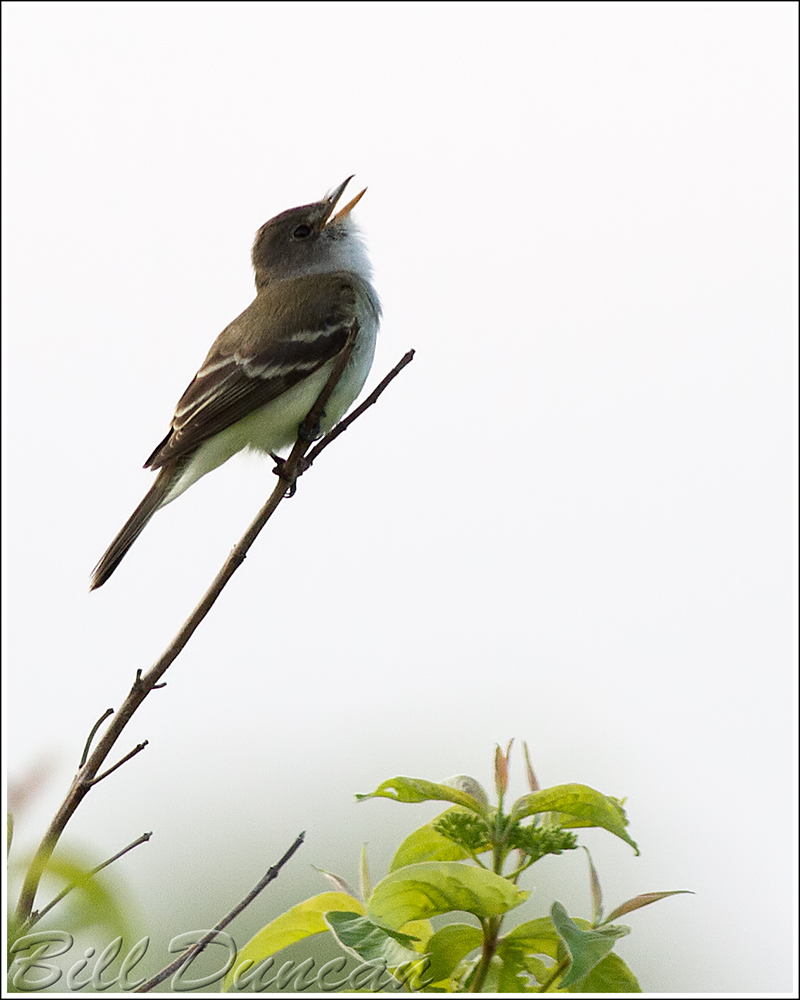
Once believed to be the same species as the Alder Flycatcher, the Willow Flycatcher (pictured here) can be distinguished most easily by it’s distinct song. These images were taken at RMBS this spring.

"What a thousand acres of Silphiums looked like when they tickled the bellies of the buffalo is a question never again to be answered, and perhaps not even asked." -Aldo Leopold
Once believed to be the same species as the Alder Flycatcher, the Willow Flycatcher (pictured here) can be distinguished most easily by it’s distinct song. These images were taken at RMBS this spring.
“Take that, Monday!”
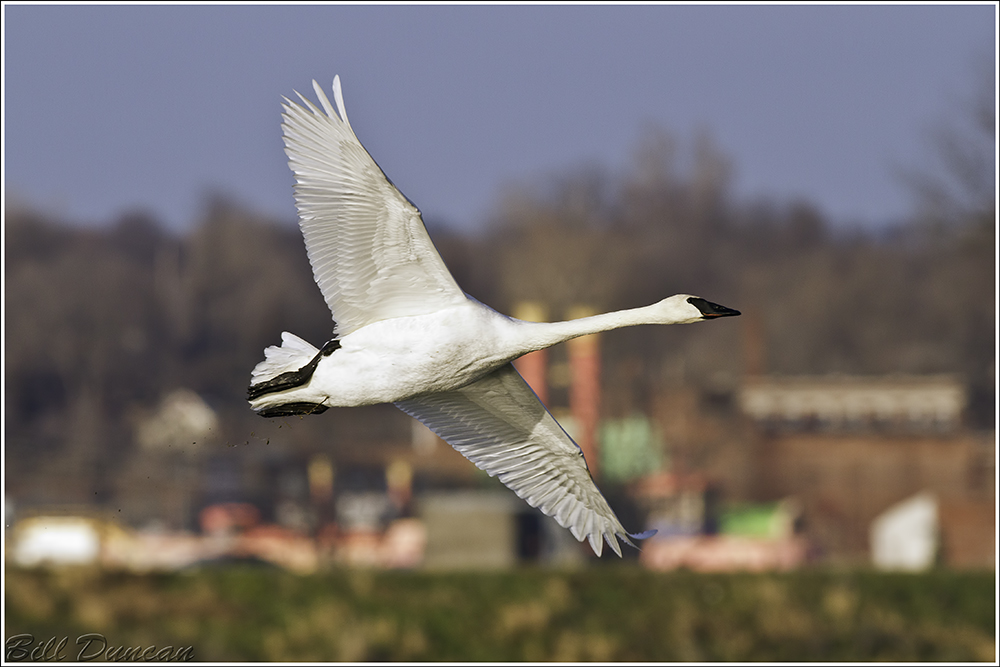
I spent the AM hours at Riverlands Migratory Bird Sanctuary and Columbia Bottom C.A. yesterday. I mostly ran into lots of the usual: waterfowl, American Kestrels, Harriers, Eagles and an assortment of Sparrows. Two birds at RMBS were a bit unusual. The first was this juvenile, “Krider’s morph” light phase Red-Tailed Hawk. I watched him at this perch for a while until one of the resident Eagles decided it was time for him to leave the tree. I looked for him the rest of the morning, both at RMBS and CBCA, but never spotted him again.
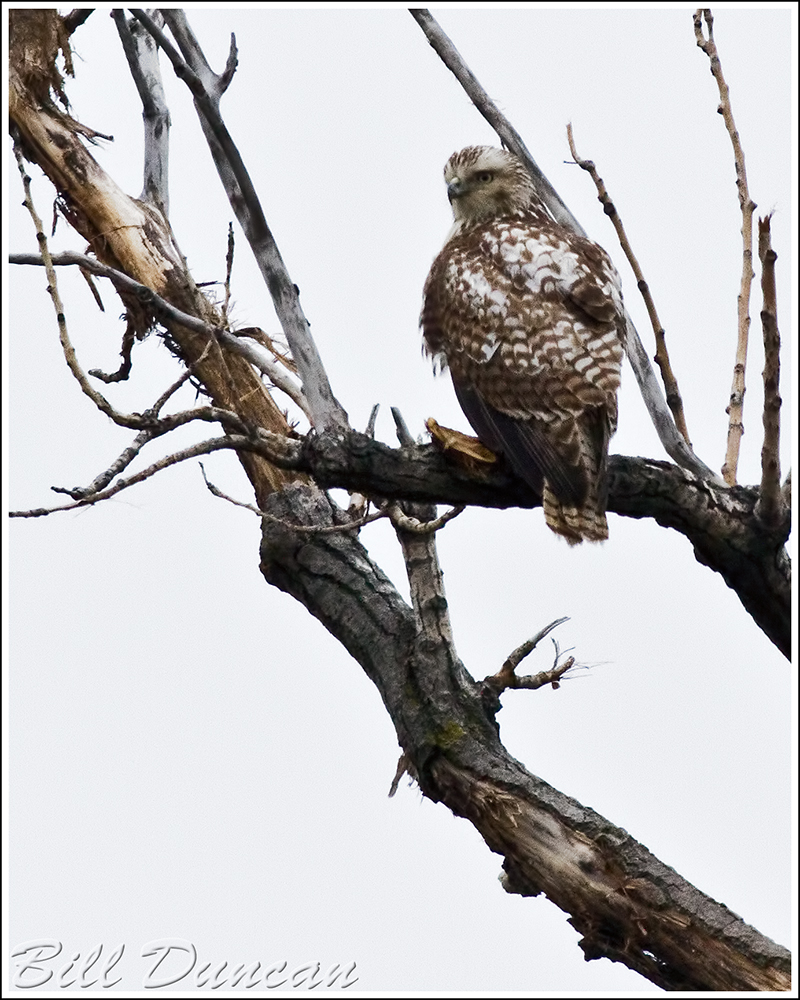
The other bird that drew my attention was this guy below. I am making no sure statements as to what this one is. It mostly reminds me of an aberrant Canada Goose, i.e. partial leucistic. However, the orange legs remind me of a Greater White-fronted Goose. Perhaps a mix of some kind? Hopefully the experts can shed some light…
“And I will strike down upon thee with great vengeance and furious anger, those who attempt to poison or destroy my weekend…”


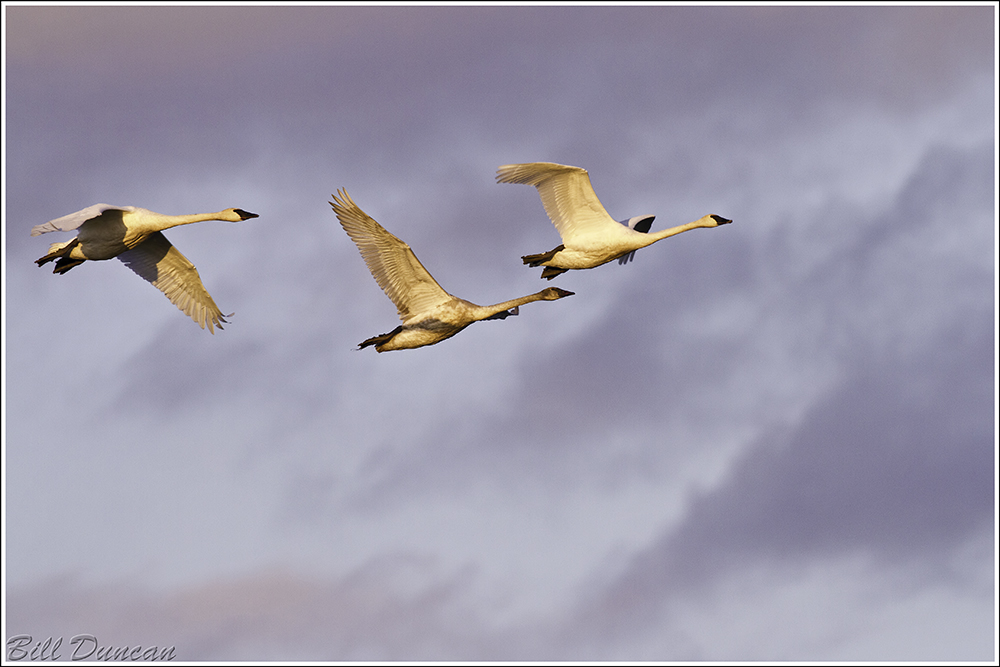
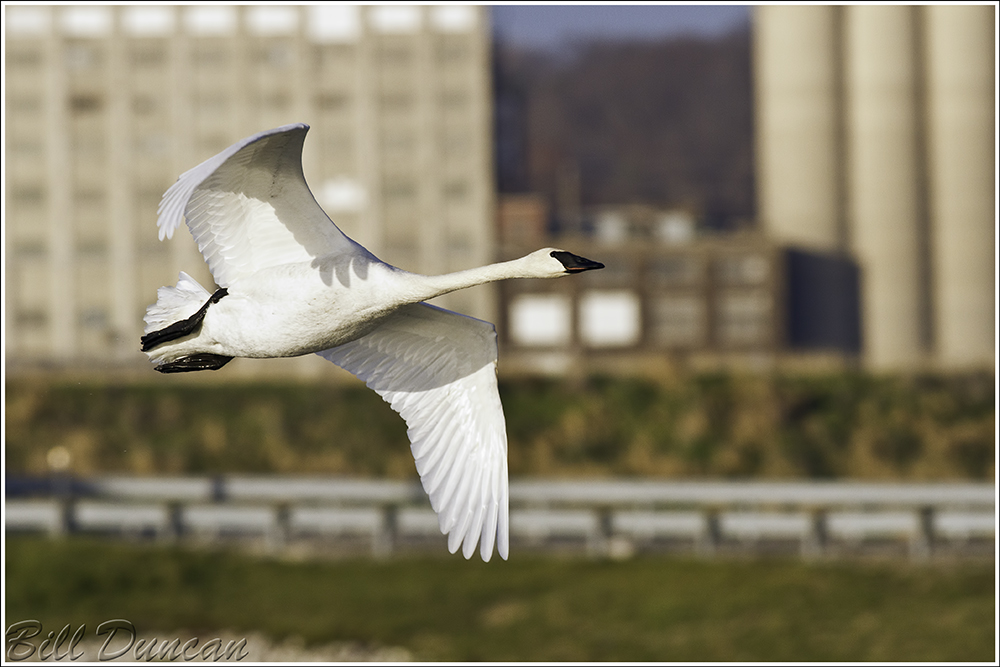
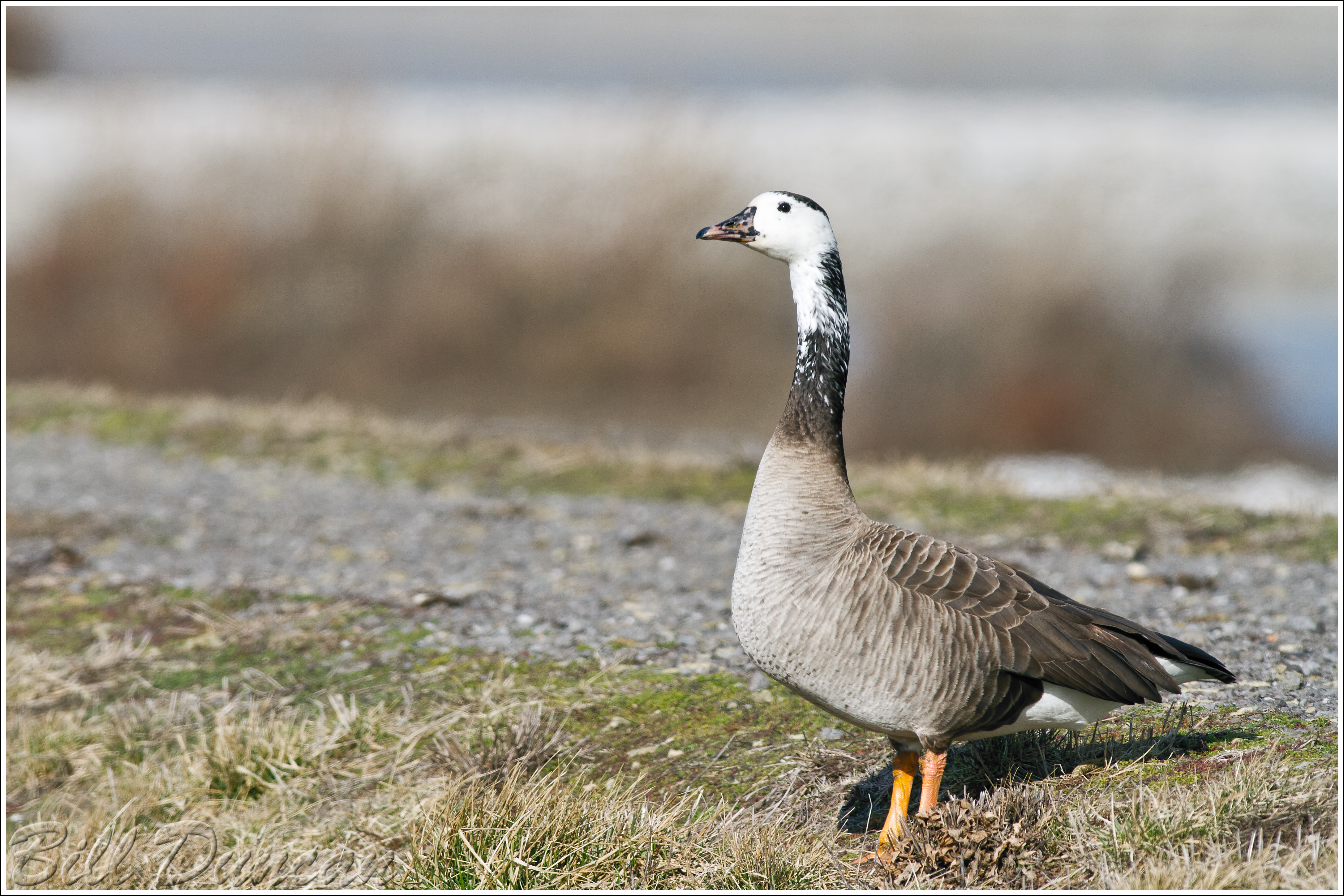
A few images taken of the Trumpeter Swans at RMBS, near the town of Alton.
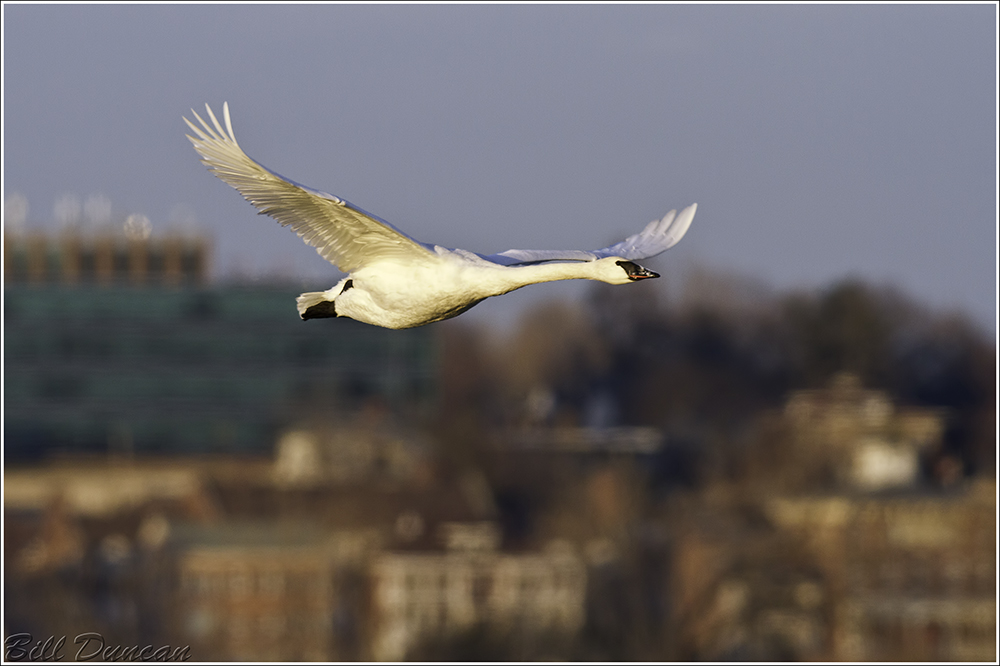
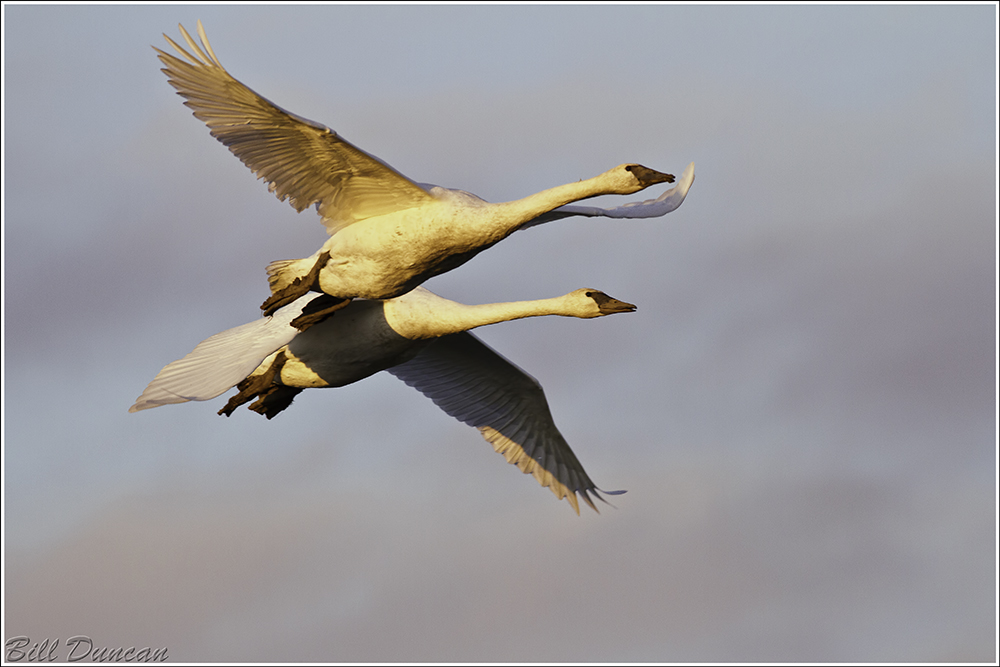

“Marsh wrens made trip after trip to a knot in the bulrushes, whence came the clamor of nestlings”
-Aldo Leopold-

“Marsh Wren, Autumn 2012”
Thanks so much to everyone who contacted me with pointers to solve my problems with inconsistent colors between applications. Converting to sRGB profile immediately before saving as a JPEG did the trick. Now I have another thing to add to my workflow, but it’s definitely worth the extra step. This problem has hounded me for a couple of months. Thanks! I am posting a corrected version of the previous posts’ image. Of course, I forgot to save a final TIFF of the original, so they are not technically identical. I had to start from the original CR2 file, but they are very close. It should be a good learning experience to view both versions in multiple web browsers. I am using a very old version of IE, however, and maybe the latest versions won’t have this difference?
Happy New Year, my friends.

“Warm Flight (revisited)”
I have recently become aware of a concerning issue with presenting my photographs in the digital medium and I am begging for someone to help me. I have noticed that there are dramatic differences in color temperatures and overall contrasts depending on what web browser or photo viewing software is used to view my images. Take this one for instance. I primarily use Firefox for my web browser and using it the image looks exactly as I finished it in Photoshop, nice and warm with contrasts that make it pop a bit (trust me, that day was anything but warm with temps in the high teens). If you have the means, view this image in Firefox and Internet Explorer. Can you see the differences? In IE, the temps are much cooler and the image is overall muddy with low contrasts. I have also seen differences in software used to view JPEGS. In “Windows Photo Viewer” the image is exactly as I processed, but in “Quick Time” it is just as I described in IE. Most disturbingly, every mobile device (ipod, smartphone, etc…) in which I have viewed my images has also displayed them in this cooler, mushy form.
I am very much a novice in terms of working with file formats, image modes, color profiles and everything related. I am hoping someone out there can help me with this as you can see this looks to be a major problem. If you can give me some incite, I will be eternally grateful. I will even offer up your choice of one of my daughters. Well, I don’t have any real daughters, but we do have four cats, and they are quite cute I assure you. 😉
Here is some info about my settings and workflow in case it might help: Convert from RAW in LR3 (ProPhoto RGB, 16-bit), move to PS CS6, work in TIFF (RGB, 16-bit), save as JPEG. I am reasonably comfortable that I am working on a well-calibrated, acceptable quality monitor on a Windows platform.
Thanks for anything you can provide!

“Warm Flight”
“At 3:40 this morning (sun rose at 4:09) a wood pewee sang over and over with perfect regularity a song of five drawling notes – pee-a-wee, pee-wee – both phrases ending on a rising inflection. The syllables and the pauses between them were so regular that I could time by my breathing. Pee-a-wee corresponded exactly with an inspiration, then, with a short pause the pee-wee finished at the end of expiration. Then a longer pause – just as long as the rests between breaths – and after this he repeated his song with my next breath. I was breathing, I suppose, about 16 times a minute, and the bird slowly fell behind, but he fell behind not from any irregularity, but because his rate was slightly lower than mine.”
-Arthur Clevland Bent
“Life Histories of North American Flycatchers, Larks, Swallows, and their Allies”
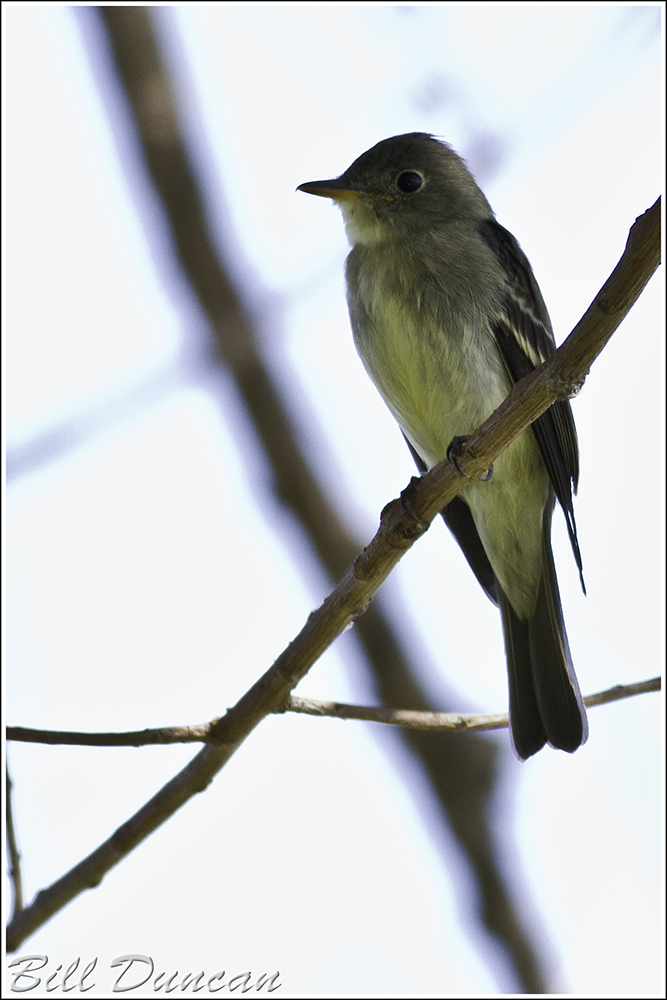
“Eastern Wood Pewee”
 A Thousand Acres of Silphiums